How to Create Strong Passwords You’ll Actually Remember
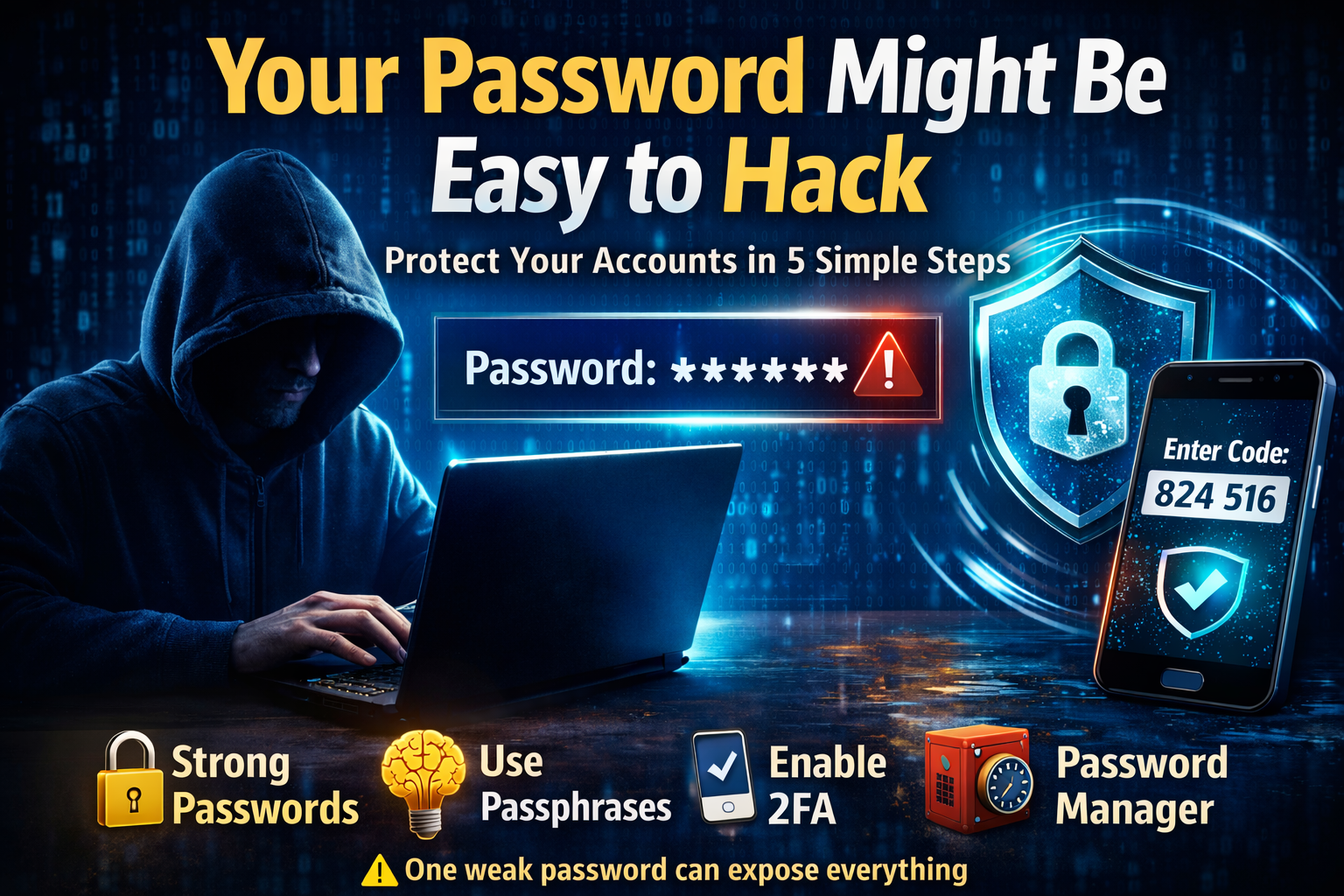
The LinkedIn breach taught us a hard lesson: one weak or reused password can put your entire digital life at risk. Many of us think we’re safe because our passwords include a capital letter, a number, or a symbol. But hackers don’t need to guess these patterns — they already know them.
So, how can you protect yourself? Let’s break it down in simple, practical steps.
Password Strength Is More Than Symbols
Adding “@123” or a capital letter doesn’t automatically make a password strong. Hackers use automated tools that test millions of common combinations in seconds.
The real secret is:
- Length
- Unpredictability
- Uniqueness
A strong password is usually 12–16 characters or more and doesn’t include your name, birthday, or personal details.
Example
Weak password:
Harveen123
Strong password:
Blue$River!84Sun
Use Passphrases — Easy to Remember, Hard to Hack
Instead of random letters, create a passphrase — a combination of unrelated words that form a mini story.
Example:
Coffee$Tiger$Rocket2026
Passphrases are:
- Long and secure
- Easier to remember
- Much harder for automated attacks to crack
Never Reuse Passwords
Reusing passwords is one of the biggest online mistakes.
In 2012, millions of passwords from LinkedIn were leaked. Many users had reused the same password for Gmail, Facebook, and other sites. Hackers used those stolen passwords to access multiple accounts.
This method is called credential stuffing — and it works frighteningly well.
One leak can unlock everything.
Use a Password Manager
Here’s where many people get stuck:
“How can I remember 20 different strong passwords?”
You don’t have to.
A password manager is a secure digital vault that:
- Generates strong, random passwords
- Stores them securely in encrypted form
- Automatically fills them when you log in
- Syncs across devices
Popular Password Managers
- LastPass
- Bitwarden
- 1Password
How a Password Manager Protects You
Password managers use strong encryption.
This means:
- Your passwords are scrambled into unreadable code.
- Even the company cannot see your passwords (in zero‑knowledge systems).
- If their servers are breached, attackers cannot read your stored data without your master password.
Instead of remembering 20 passwords, you only remember one strong master password.
Pros of Using a Password Manager
✅ Creates extremely strong passwords automatically
✅ Prevents password reuse
✅ Protects against phishing (won’t autofill on fake websites)
✅ Saves time
✅ Reduces human error
It removes the biggest security weakness: us.
Important Precautions
⚠️ Your master password must be very strong and unique
⚠️ Enable 2FA on your password manager
⚠️ Never share your master password
⚠️ Use only reputable password managers
⚠️ Keep backup recovery codes stored safely offline
Remember: your password manager is your digital vault. Protect the key.
Enable Two-Factor Authentication (2FA)
Even strong passwords can be stolen through phishing or data breaches.
That’s where 2FA adds a second layer of security.
After entering your password, you must verify your identity using another method.
Types of 2FA
1️⃣ OTP via SMS or Email
A one-time code is sent to your phone or email.
Better than nothing — but vulnerable to SIM swap attacks.
2️⃣ Authenticator Apps
Apps like Google Authenticator generate 6‑digit codes that refresh every 30 seconds.
Advantages:
- Works offline after setup
- Much safer than SMS
- Resistant to SIM swap fraud
Example: When logging into Gmail, after entering your password, you open the authenticator app, type the code, and gain access.
3️⃣ Hardware Security Keys
Devices like YubiKey act as a physical authentication device.
You plug it in or tap it during login.
Even if someone steals your password:
- They cannot log in
- They need the physical key
Ideal for:
- Banking
- Corporate email
- High‑value accounts
This is the strongest protection available for individuals.
Step‑by‑Step Plan for Strong Online Security
1️⃣ Secure your email first (it resets everything else)
2️⃣ Use a password manager to create unique passwords
3️⃣ Enable 2FA on email, banking, and social media
4️⃣ Avoid password reuse completely
5️⃣ Regularly update critical passwords
Your Password Is Your Digital Key
Think of your password like your house key.
You wouldn’t use the same key for your:
- Home
- Car
- Office
- Locker
So don’t use the same password everywhere.
Strong passwords + password manager + 2FA = dramatically lower risk.
Your digital identity, money, and privacy deserve that protection.